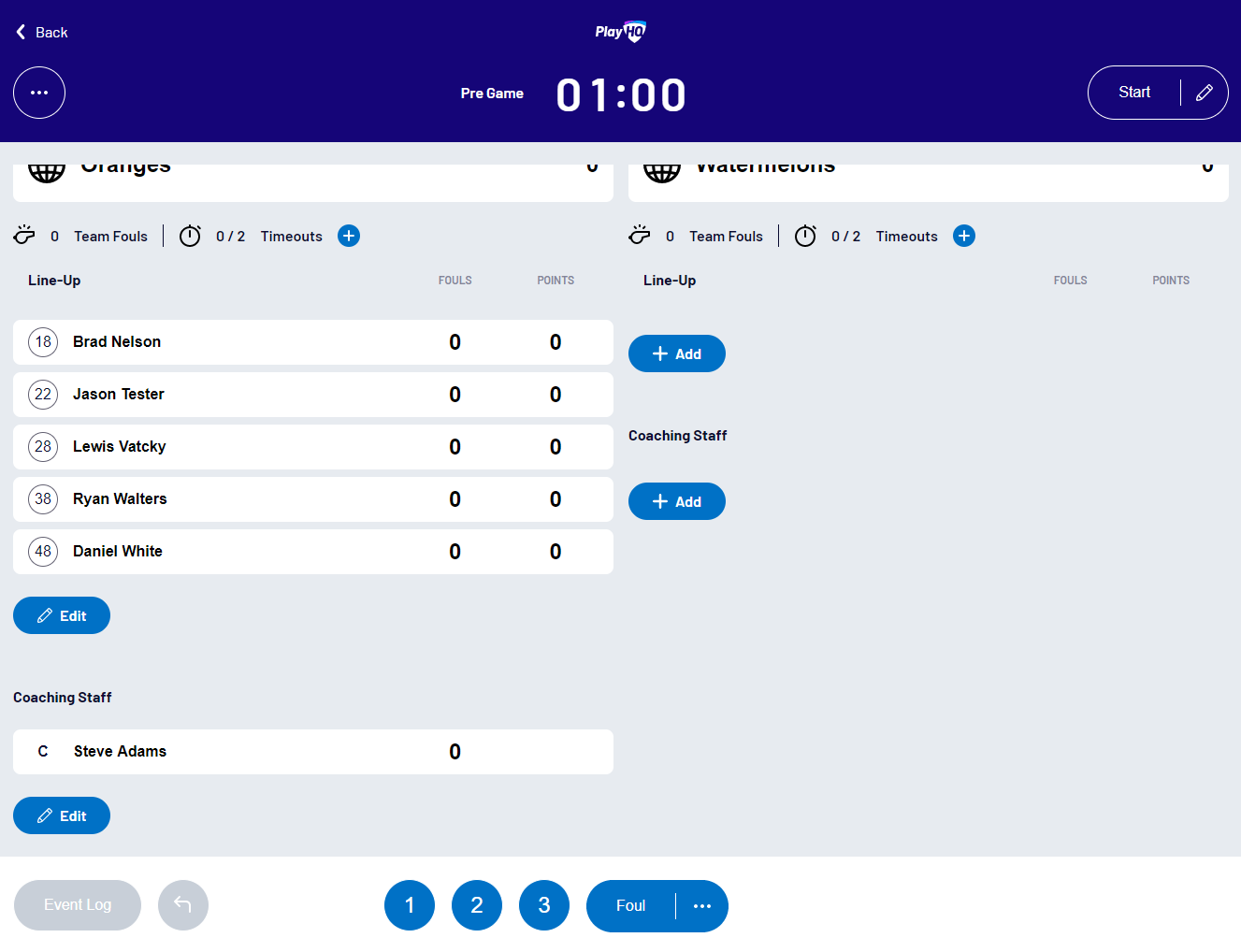
This article describes how to select the players and coaches participating in a game in the PlayHQ electronic scoring application.
Adding players to a team's line-up
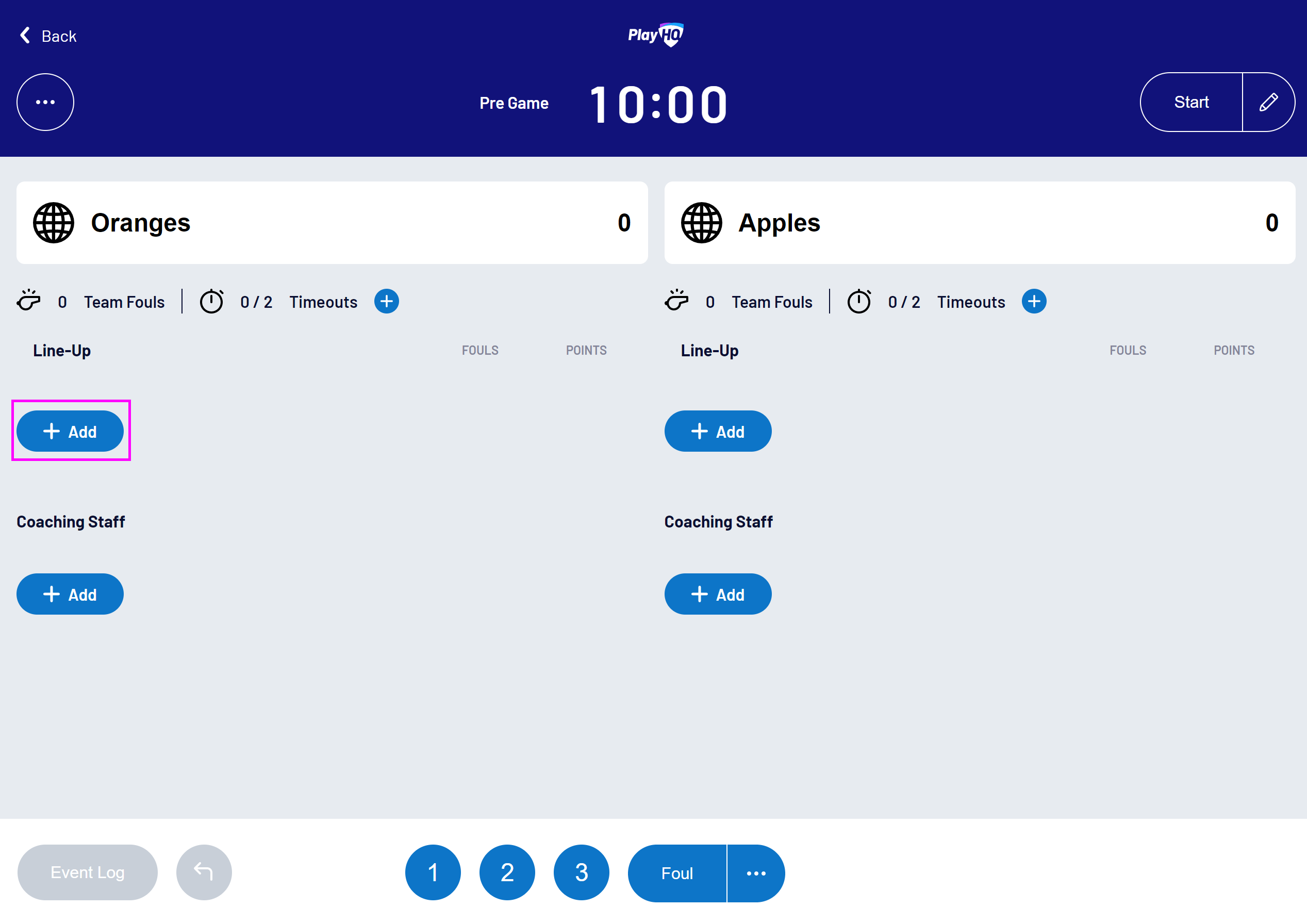
To select a team's player line-up, select Add in the team's Line-Up section:
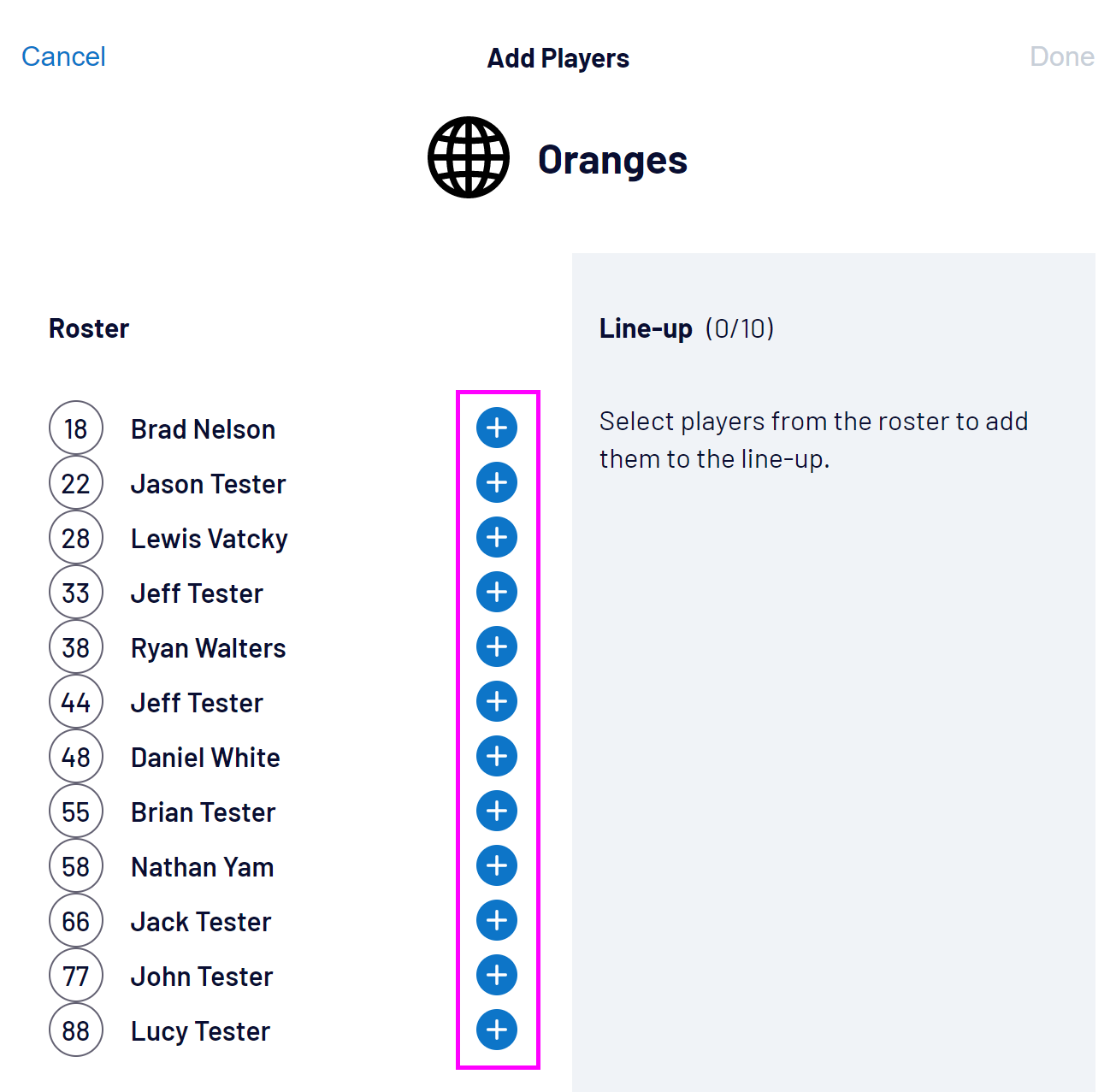
Select the plus (+) button next to the players you wish to add to the line-up:
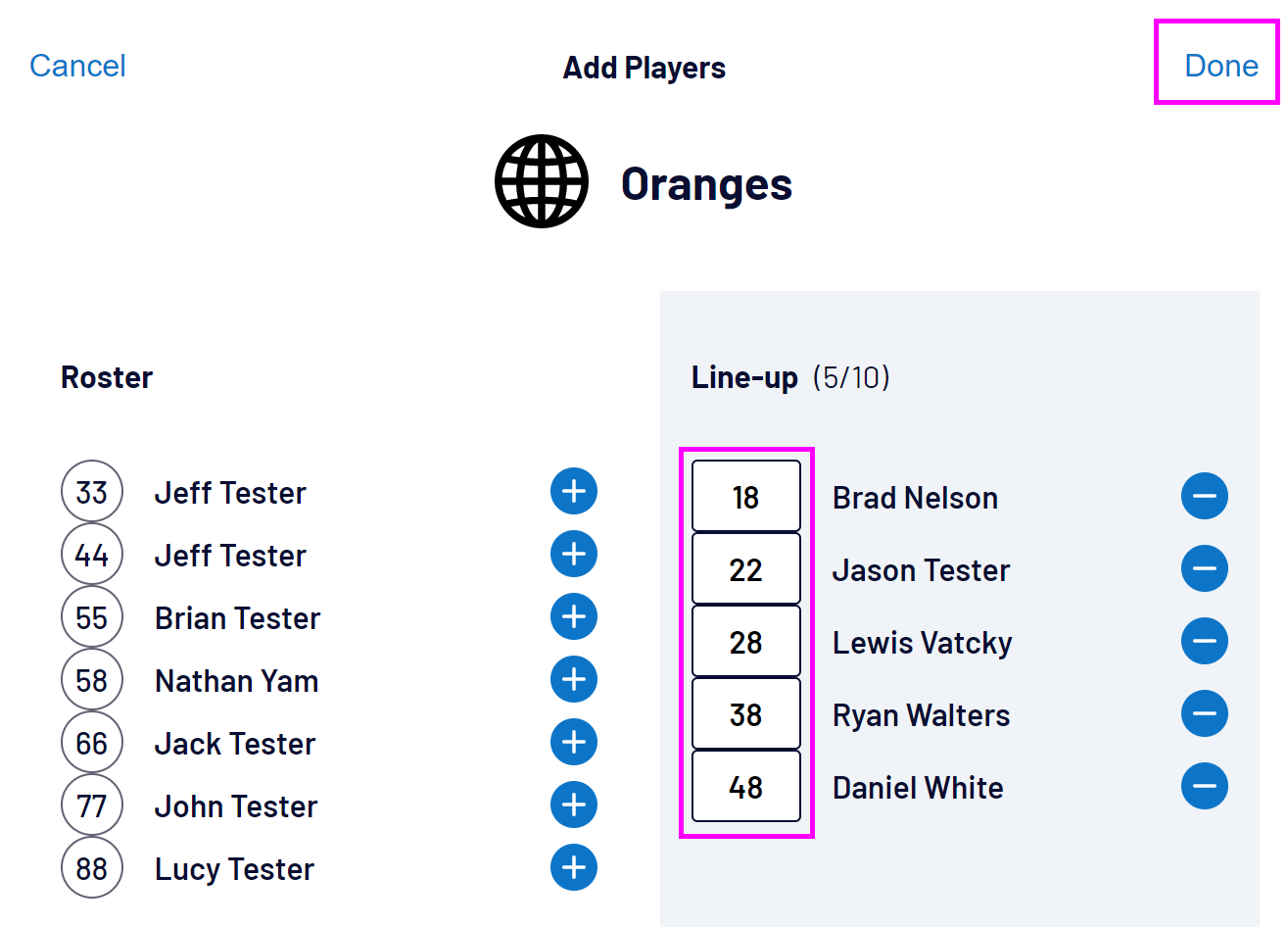
Update the players' singlet numbers if required, then select Done to add the players:
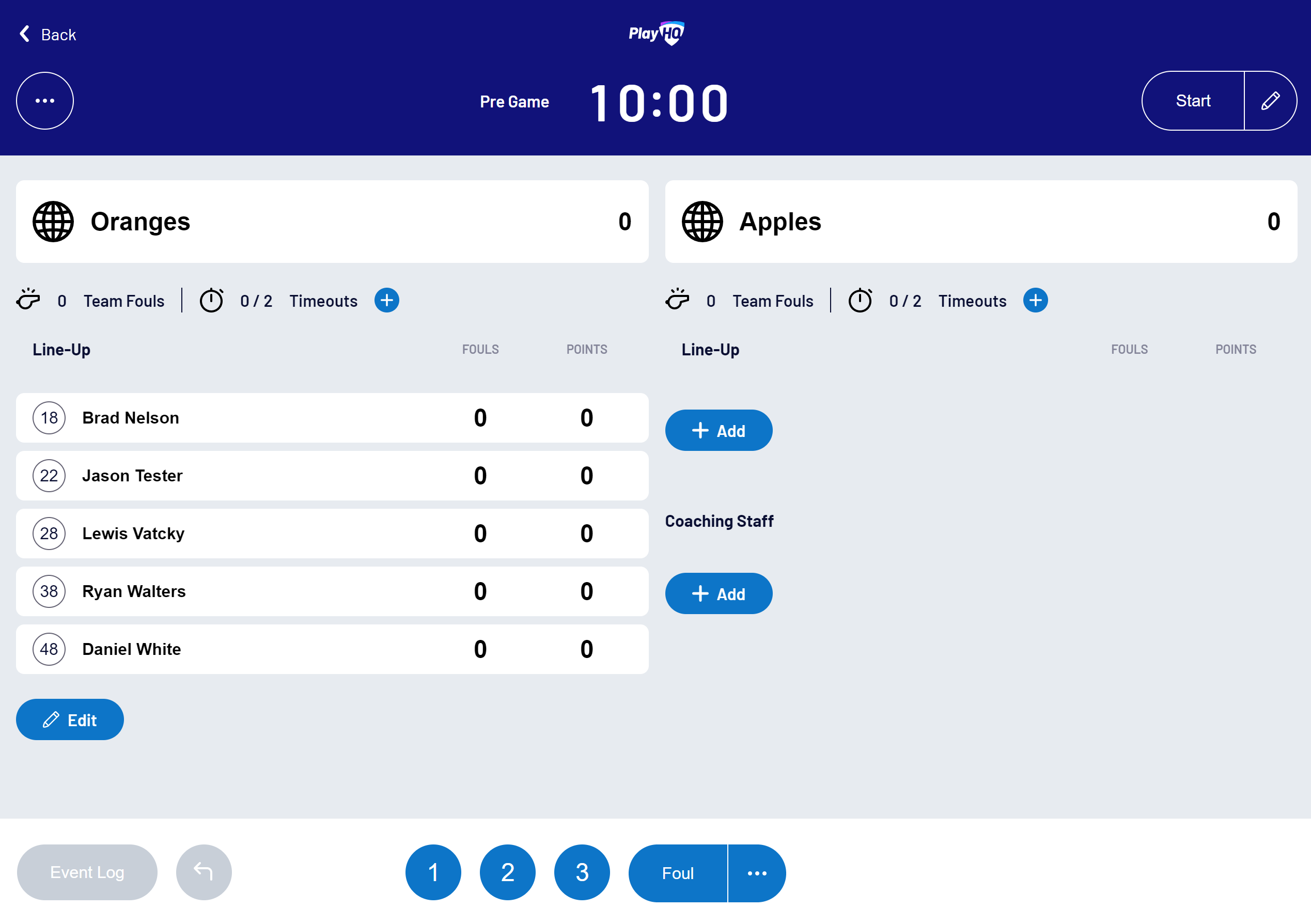
The selected players will be added to the team's line-up:
Removing players from a team's line-up
Players can only be removed from a line-up if they have no scores or fouls recorded in the game.
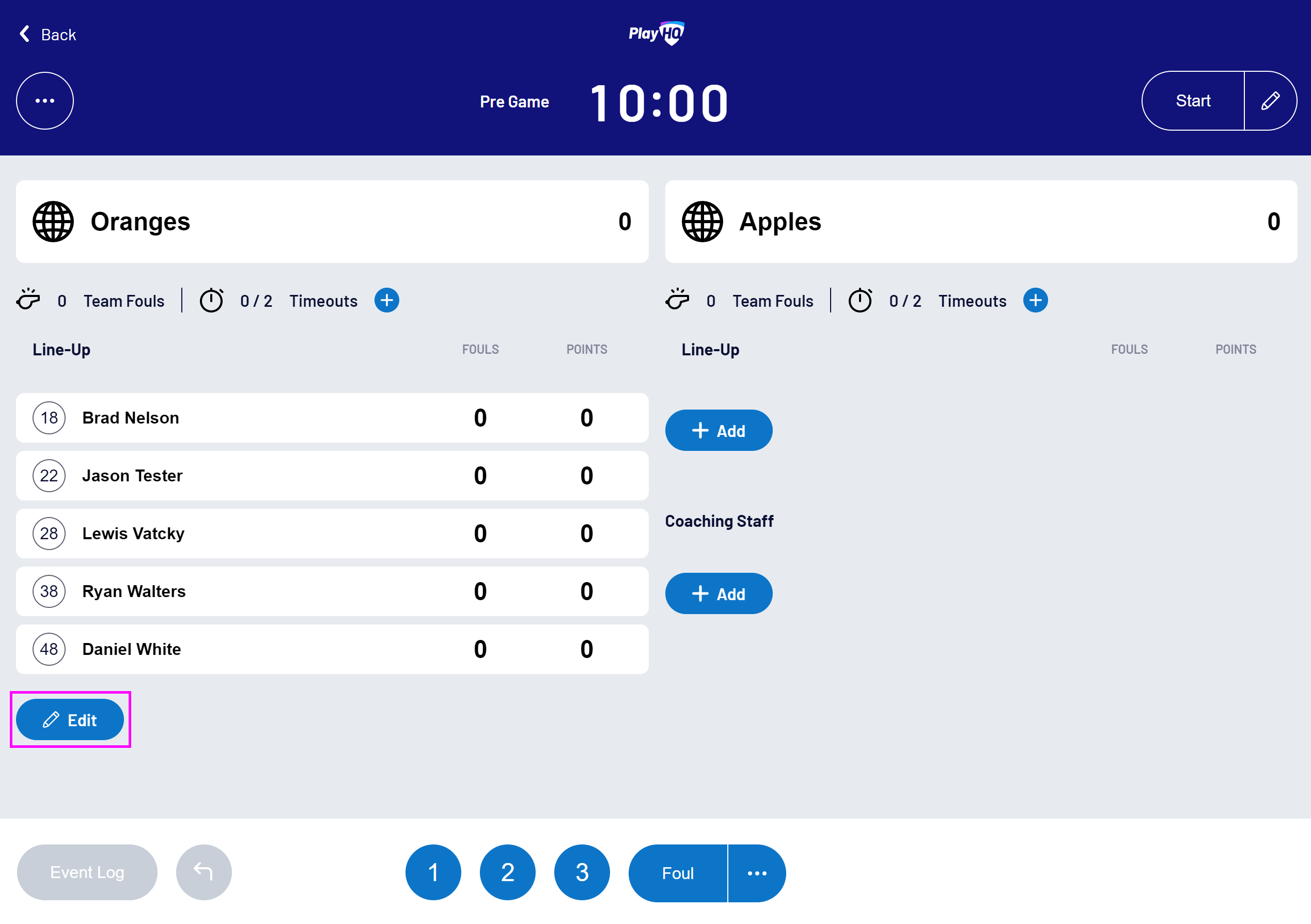
To remove players from a team's line-up, select Edit in the team's Line-Up area:
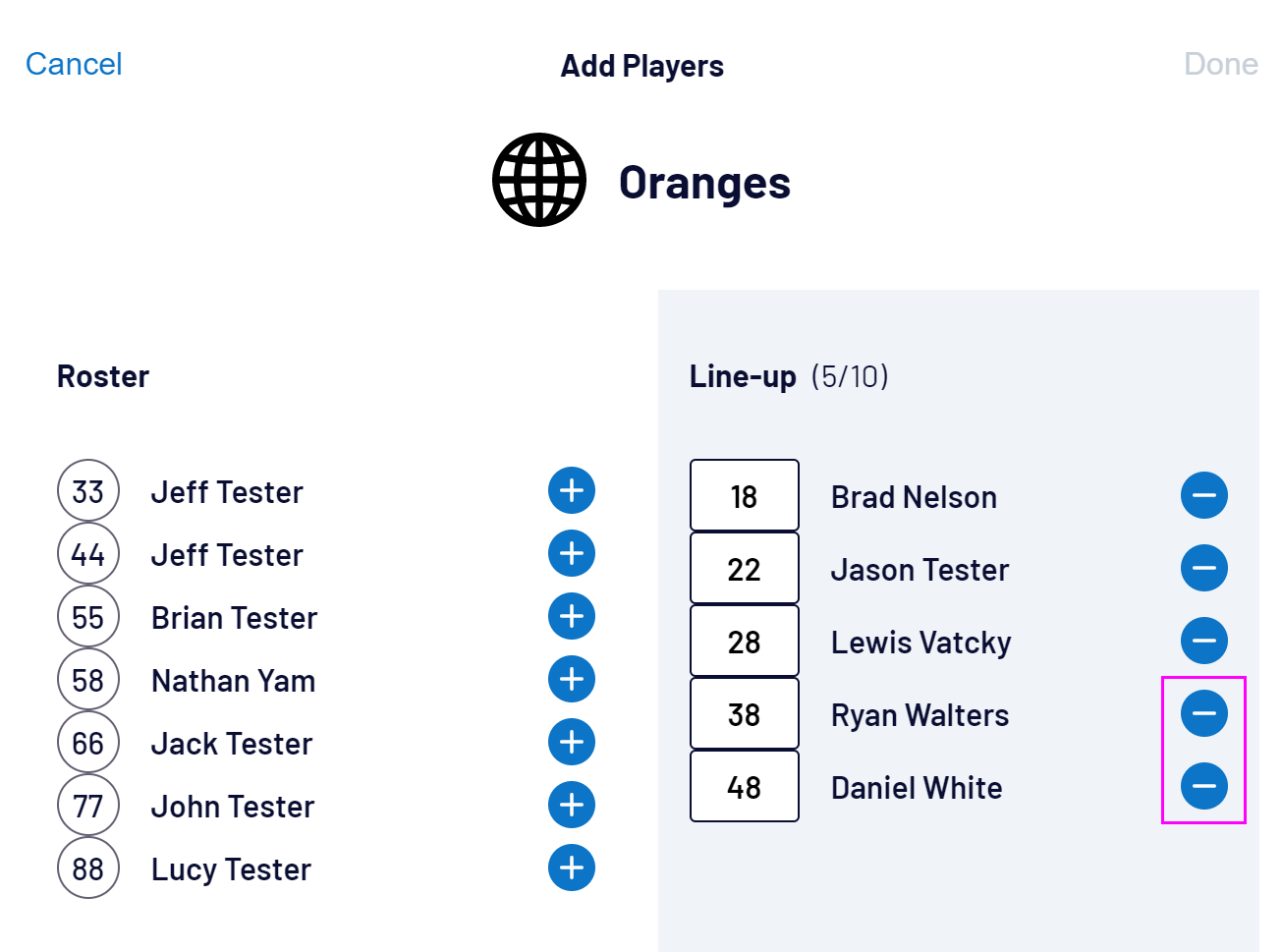
Select the minus (-) button next to the player(s) to remove:
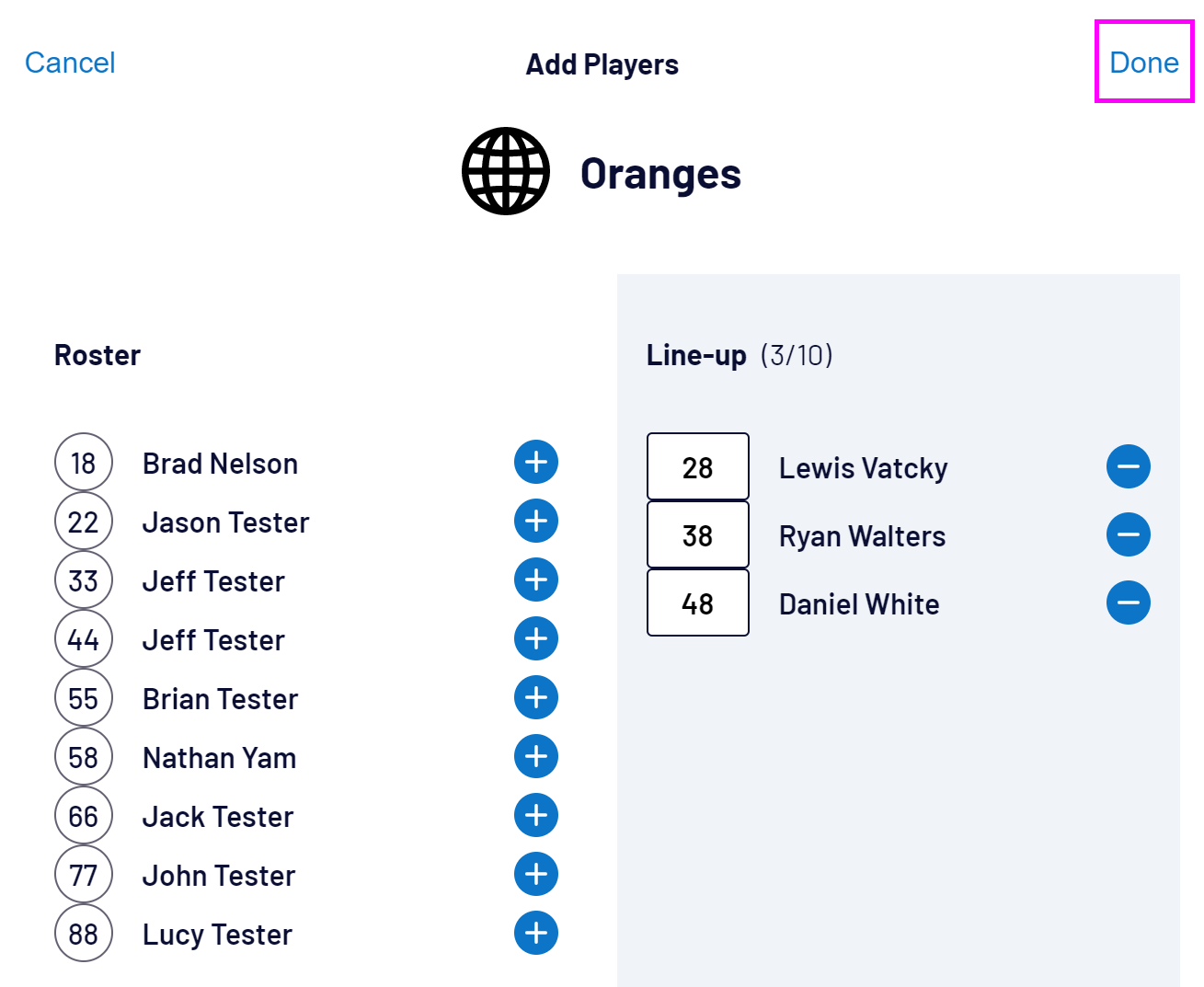
Then select Done:
Selecting coaches and assistant coaches
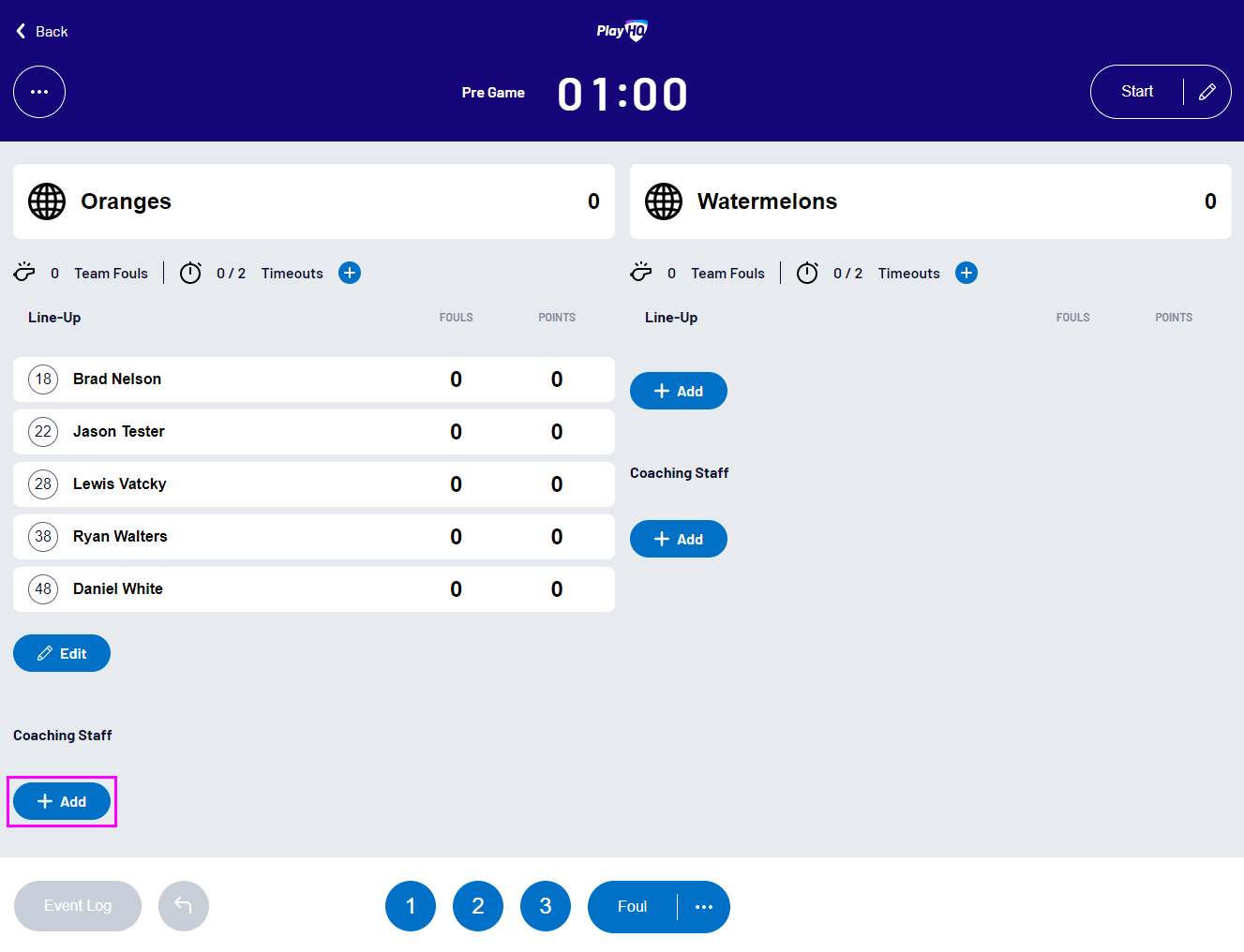
To select coaches and assistant coaches, select Add in the Coaching Staff area:
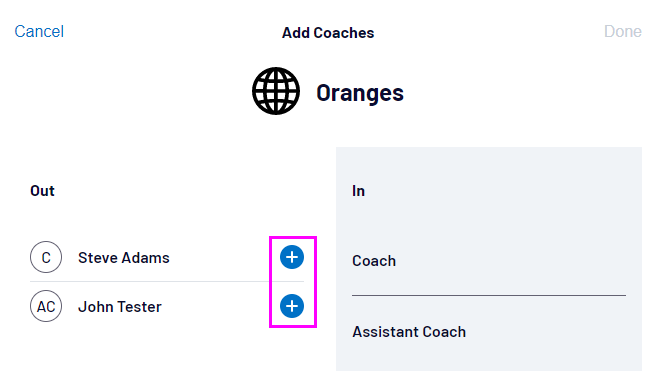
Then select the plus (+) button next to the coaches to add:
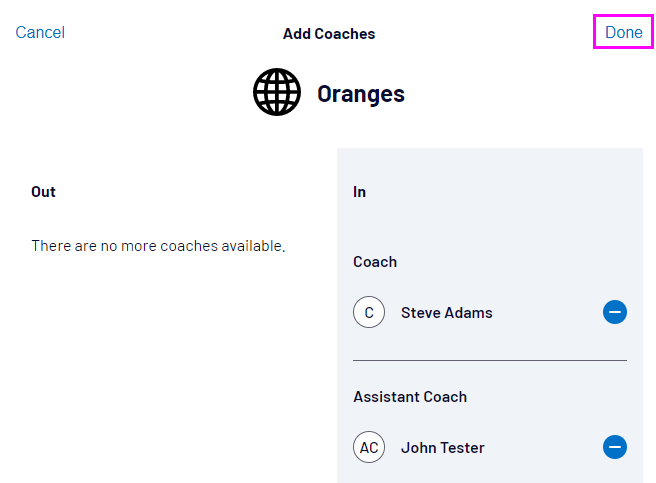
Then select Done:
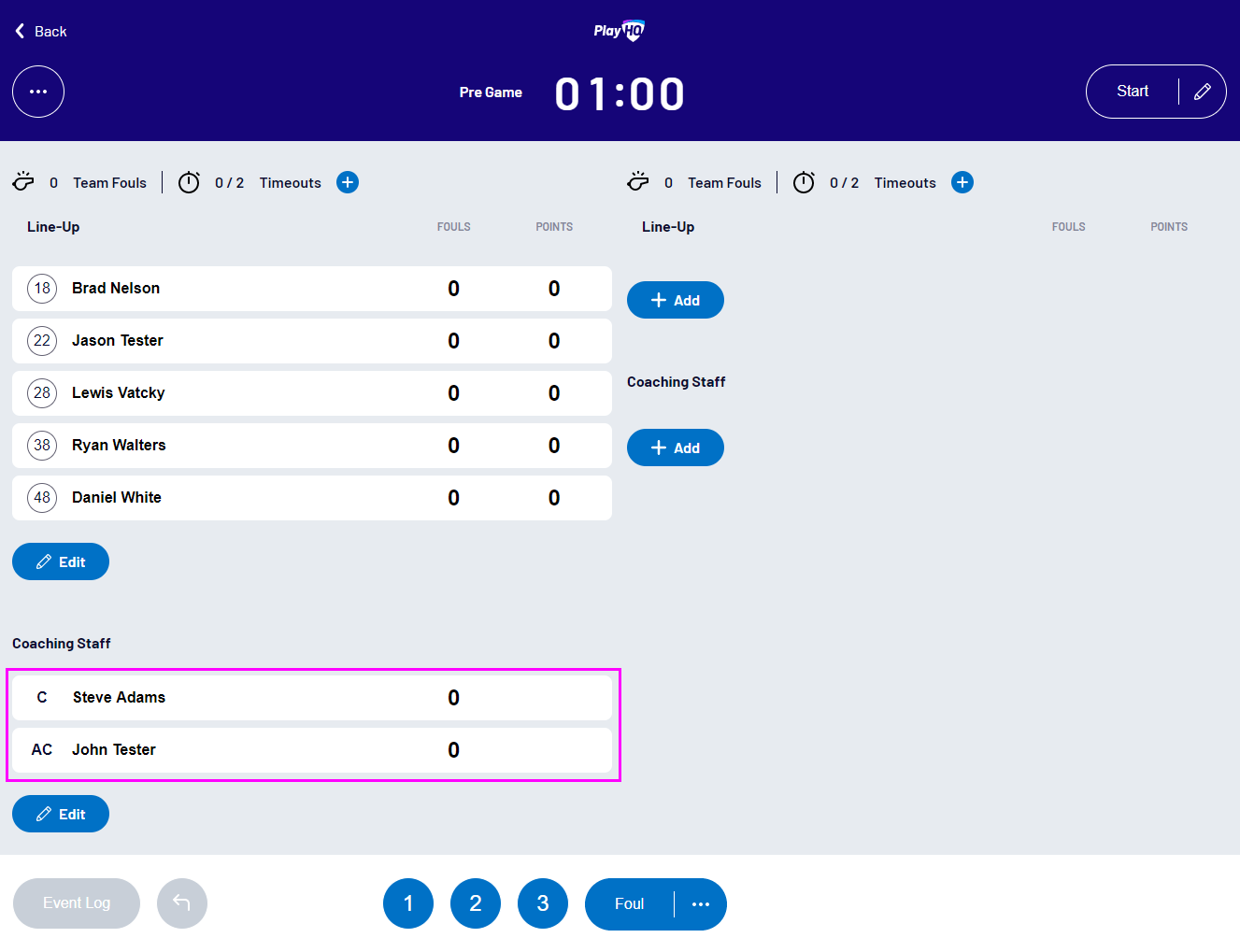
The selected coaches will now be displayed:
Removing coaches from a team
Coaches can only be removed from a team if they have no fouls recorded.
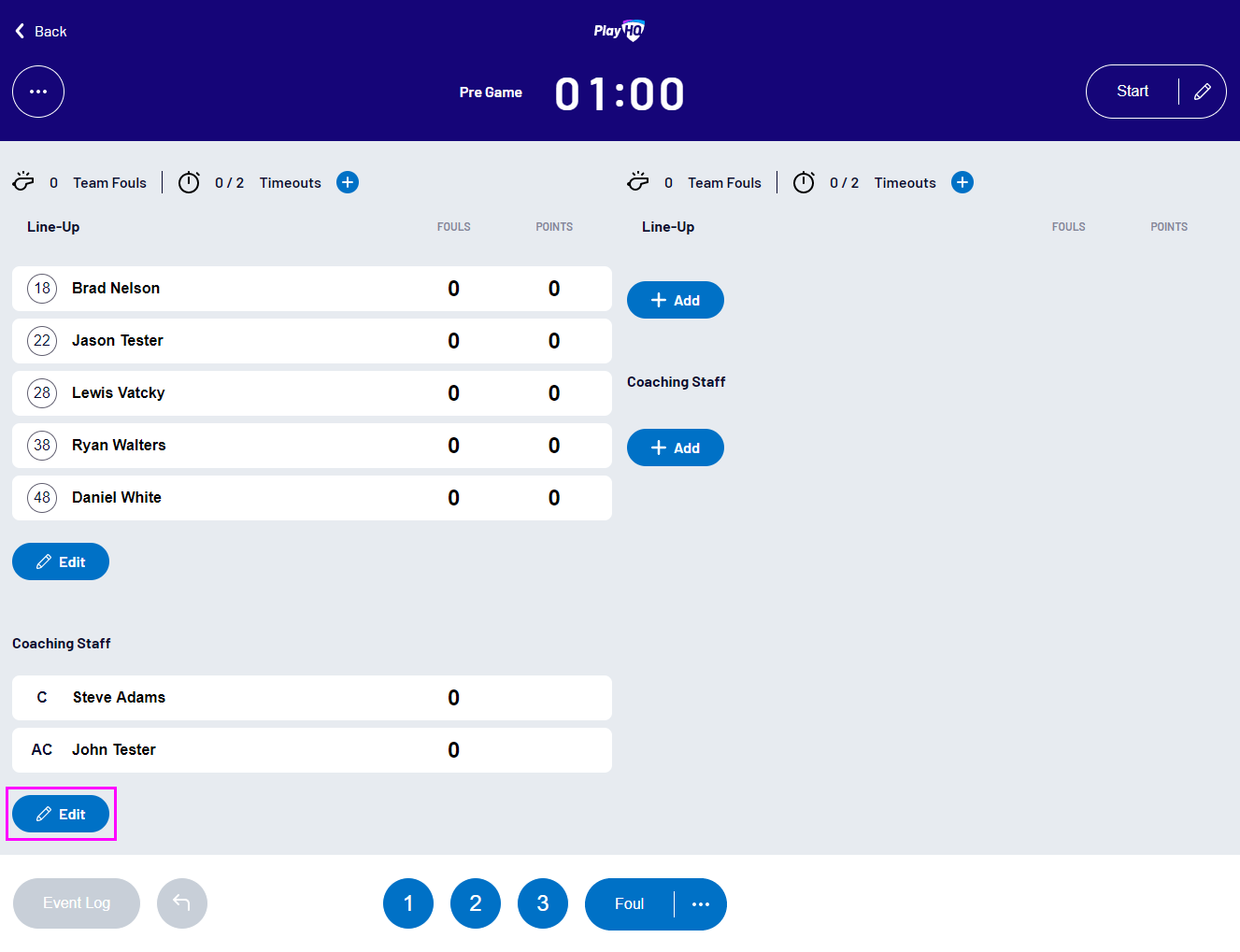
To remove coaches from a team, select Edit in the Coaching Staff area:
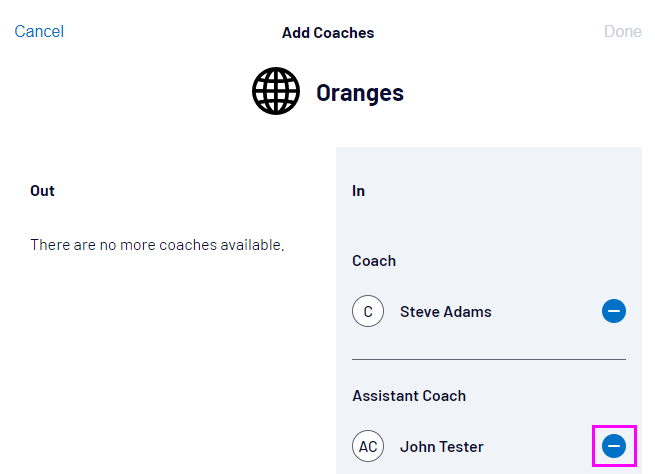
Then select the minus (-) button next to the coaches to remove:
Then select Done:
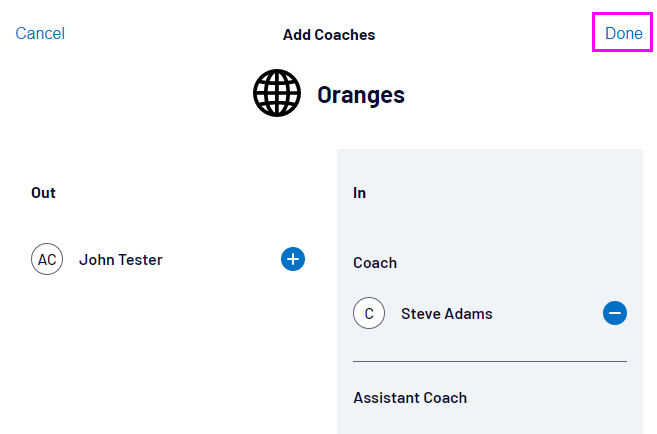
Congratulations! The coach has been removed from the team: